

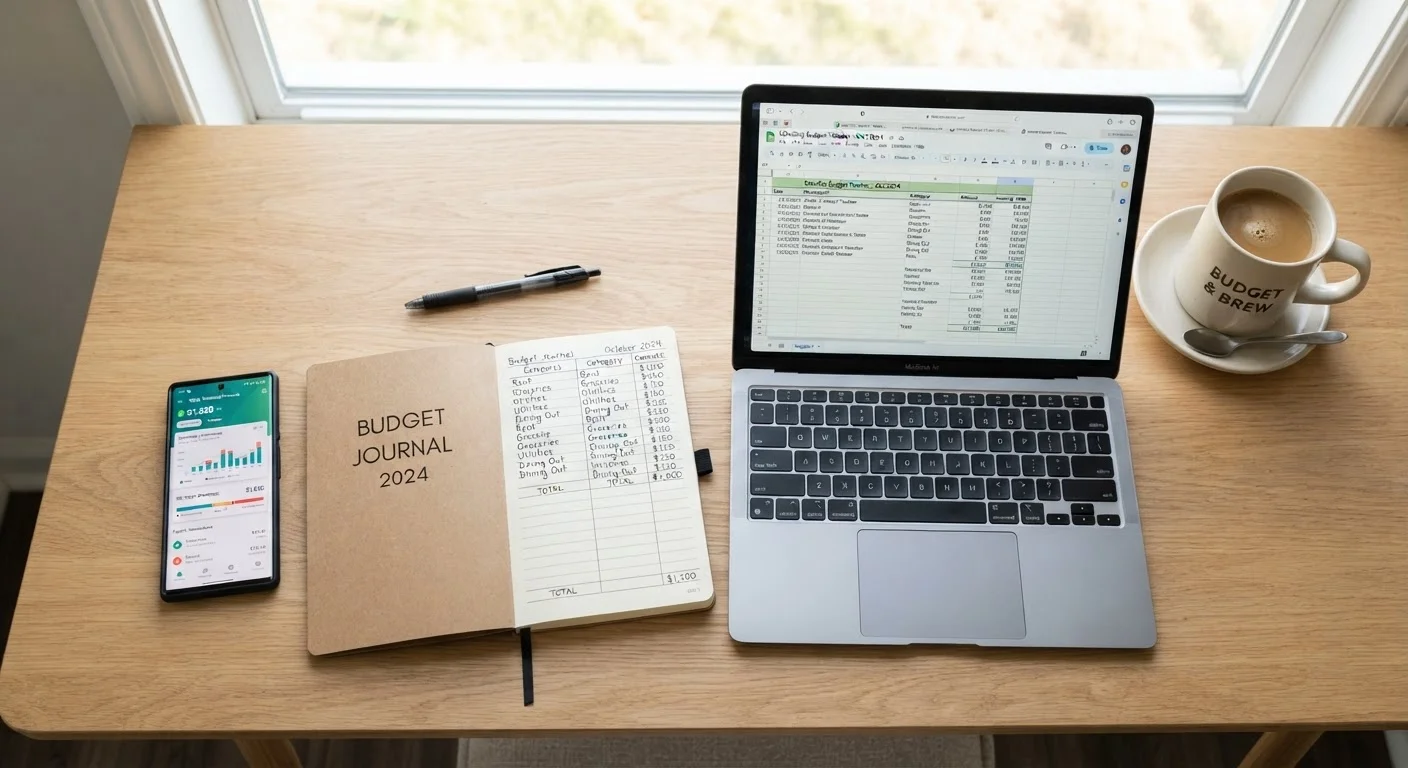
Key Takeaways
- Paper budgeting builds mindful spending habits but requires consistent manual effort.
- Spreadsheets offer flexibility and control for those comfortable with basic formulas.
- Budgeting apps automate tracking but involve sharing financial data with third parties.
- The method you'll actually stick with beats any method that's technically superior.
- Many people combine two methods - using an app for daily tracking and a spreadsheet for monthly review.
Our Verdict
No single tracking method is objectively best - each fits a different personality, lifestyle, and comfort level with technology. Paper works well for those who want friction to slow spending decisions. Spreadsheets suit analytical thinkers who want total customization. Apps serve people who need automation and real-time visibility. Choosing the right tool comes down to the one you'll open consistently.
| Best for | Recommended |
|---|---|
| Visual learners and those who benefit from deliberate, hands-on tracking | Paper budgeting |
| Detail-oriented people who want full control over categories and formulas | Spreadsheet |
| Busy individuals who want automated transaction imports and quick snapshots | Budgeting app |
| Those who want daily convenience plus deep monthly analysis | App combined with a spreadsheet |
Why Your Tracking Method Actually Matters
Budgeting frameworks - like the 50/30/20 rule or zero-based budgeting - tell you how to allocate money. But the tool you use to track that allocation is equally important. A system you find tedious gets abandoned within weeks, and an abandoned budget is no budget at all.
The three most common approaches - pen-and-paper, spreadsheets, and dedicated apps - each offer a distinct experience. Understanding their real-world trade-offs helps you make a deliberate choice rather than defaulting to whatever seems most popular. If you're completely new to this, our practical first-month walkthrough is a good starting point before choosing a tool.
Paper Budgeting: Slow, Intentional, Effective for Some
Writing expenses by hand forces you to confront every dollar - there's no auto-import to absorb the discomfort. Research in cognitive psychology suggests that handwriting engages memory and attention differently than typing, which may make spending feel more real and deliberate. That friction is the point.
What works well: No cost, no account required, no privacy concerns, and it's impossible to over-engineer. A simple ruled notebook works fine. Many people pair paper tracking with the envelope method - physically separating cash into spending categories. For a fuller look at that approach, see envelope budgeting in the digital age.
Where it breaks down: Paper doesn't calculate totals automatically, can't generate charts, and is easy to lose or forget. If you pay mostly by card, recording every transaction manually is genuinely time-consuming. It also offers no backup if the notebook is lost.
Start Simple, Then Upgrade
If you've never tracked spending before, start with paper for just two to four weeks. Recording every purchase by hand builds awareness of your real spending patterns - data that makes any subsequent app or spreadsheet setup far more accurate. You'll know exactly which categories matter most in your own life before you start automating anything.
Spreadsheets: Maximum Flexibility, Moderate Effort
A well-built spreadsheet sits between paper and an app in almost every dimension - more powerful than paper, more private than most apps, and more customizable than either. Free templates are widely available from Google Sheets and Microsoft Excel, or you can build your own around your exact spending categories.
What works well: Formulas handle the math automatically. You control every category label, layout, and formula. There are no subscription fees for basic versions, and your data stays on your own device or cloud account. Spreadsheets are also ideal for running scenarios - like modeling what happens to your savings rate if you cut one expense category.
Where it breaks down: You still enter transactions manually unless you export bank data as a CSV file. Setup takes time up front, and a poorly organized sheet can become confusing quickly. People with limited spreadsheet experience may find the learning curve discouraging.
| Paper | Spreadsheet | Budgeting App | |
|---|---|---|---|
| Setup effort | Very low | Moderate to high | Low |
| Ongoing time commitment | High (all manual) | Medium (manual entry) | Low (auto-import) |
| Cost | Minimal (notebook/pen) | Free to low cost | Free tier or monthly fee |
| Customization | Fully manual | Highly flexible | Limited by app design |
| Privacy | Highest (offline) | High (your device/cloud) | Lower (third-party access) |
| Automatic calculations | None | Yes, via formulas | Yes, built-in |
| Best for | Mindful spenders | Analytical planners | Busy multi-account users |
Budgeting Apps: Automation With Trade-Offs
Apps that connect directly to your bank and credit accounts can pull in transactions automatically, categorize them, and display your spending in real time. For people managing multiple accounts or income streams, this automation is genuinely valuable.
What works well: Transaction syncing eliminates most manual entry. Visual dashboards make it easy to spot patterns at a glance. Many apps send alerts when you approach a category limit, which adds a layer of accountability that paper and spreadsheets can't replicate passively.
Where it breaks down: Connecting financial accounts to a third-party app means sharing sensitive login credentials or granting read access via a data aggregator. While reputable apps use encryption and read-only connections, this is a privacy and security consideration worth taking seriously. Some apps also charge monthly fees, and free tiers often include advertising. Auto-categorization is imperfect - expect to manually correct miscategorized transactions regularly.
For a broader look at how digital tools balance convenience against privacy trade-offs, the discussion in weighing the trade-offs of digital tools offers a useful parallel framework.
Choosing - or Combining - What Works for You
The honest answer is that consistency beats sophistication. A paper notebook used every day outperforms an app that gets checked once a month. Before choosing, consider these questions:
- How do you primarily spend? Mostly cash users often prefer paper or envelopes. Card-heavy spenders benefit from app syncing.
- How much time can you commit? Paper and spreadsheets require daily or weekly maintenance. Apps reduce that burden but don't eliminate it.
- How private do you want to be? Paper and offline spreadsheets share no data. Apps require account connections.
- Do you enjoy analysis? Spreadsheet users tend to be people who like building and tweaking systems.
Many experienced budgeters combine methods: an app handles daily transaction capture, while a monthly spreadsheet review provides the analytical depth the app's dashboards don't offer. Whatever you choose, pair it with a realistic budget framework - building a budget that survives real life covers how to make any system durable over time.
This article is for general informational and educational purposes only and does not constitute personalized financial advice. Consider consulting a qualified financial professional for guidance tailored to your individual circumstances.